Summary
md-preview is a command-line tool written in Rust that renders Markdown files directly in your terminal, applying syntax highlighting and formatting. It leverages
pulldown-cmarkfor robust Markdown parsing andtermcolorfor rich, colored output.
Tired of leaving your terminal to view a simple Markdown file? Meet md-preview, a powerful new command-line tool written in Rust that brings beautiful, formatted Markdown directly to your terminal screen. It’s designed to be fast, efficient, and highly readable, so you can focus on your work without context switching.
Why md-preview?
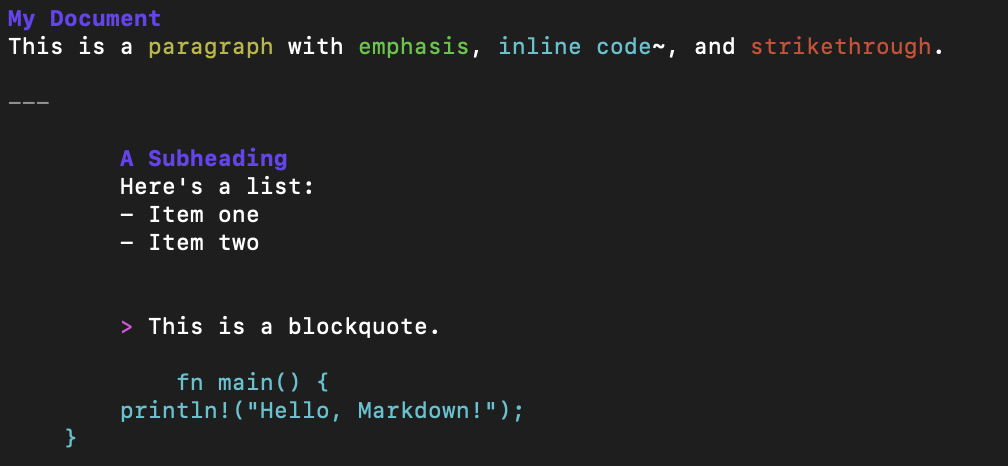
While many tools exist for viewing Markdown, md-preview is built specifically for the terminal environment. It uses pulldown-cmark for fast and accurate Markdown parsing and termcolor to apply rich syntax highlighting and formatting. This isn’t just a simple text dump; md-preview understands the structure of your document, rendering elements like headings, bold text, lists, and even tables with distinct colors and proper alignment.
Key Features:
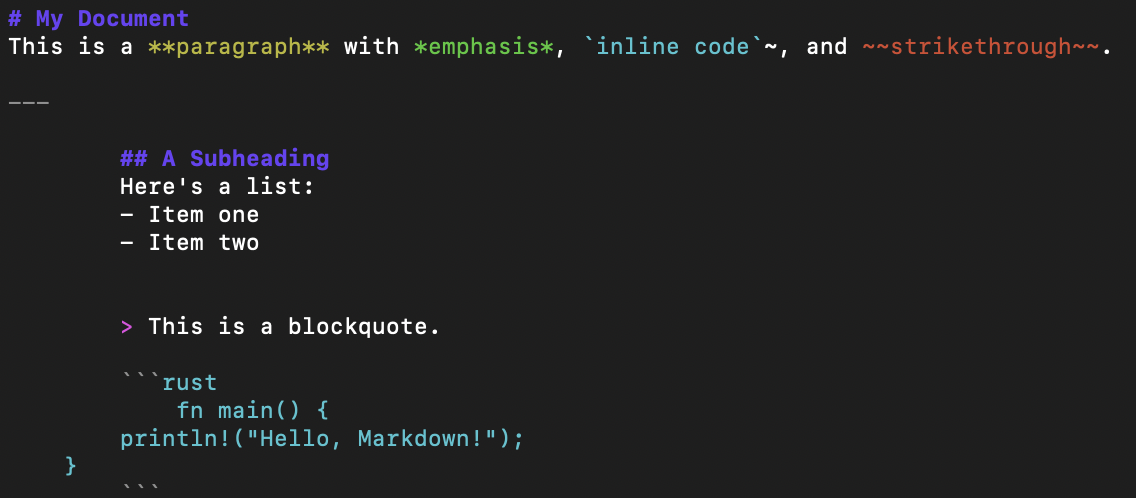
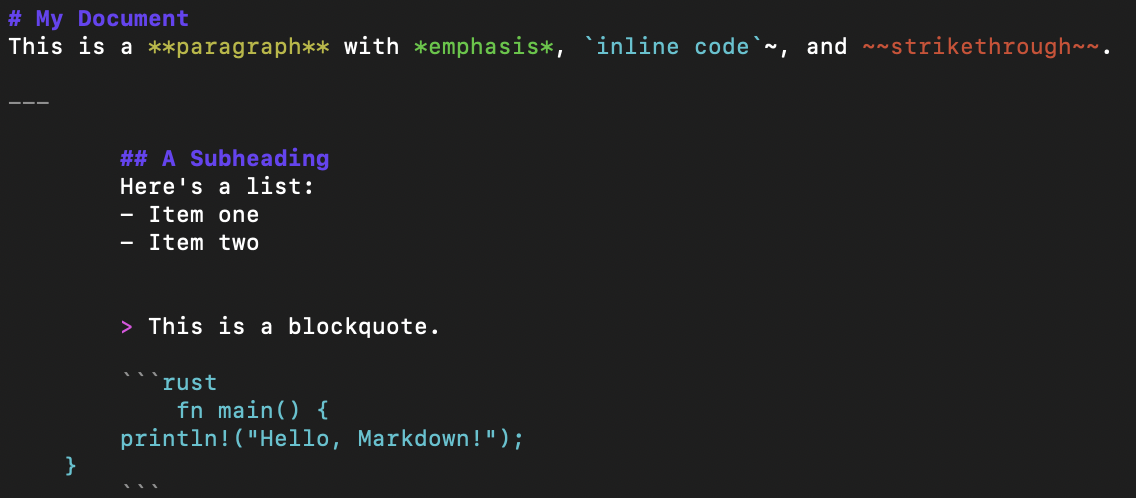
- Customizable: You can choose to show or hide the original Markdown symbols (like
#or**) and even center the content in your terminal for better readability.
- Syntax Highlighting: Easily distinguish between different Markdown elements at a glance.
- Table Rendering: Tables are rendered with clean borders and proper alignment, making them easy to read.
Usage
Once installed, you can use it right away:
- To render a file with default settings:
md-preview README.md- To show the original Markdown symbols:
md-preview MyDocument.md --symbol- To center the content for a more focused view:
md-preview Notes.md --center 10md-preview is perfect for anyone who works with Markdown files and wants a seamless, terminal-native viewing experience. It’s a testament to the power and performance of Rust.
I’d love for you to give it a try. Head over to the GitHub repository to get the code and start using md-preview today. Let me know what you think!
Samples